Billing
The full billing lifecycle in Pool Runs — quotes, work orders, invoices, payments, and (optionally) the QuickBooks Online integration. Pick the setup that matches how you keep books.
Billing
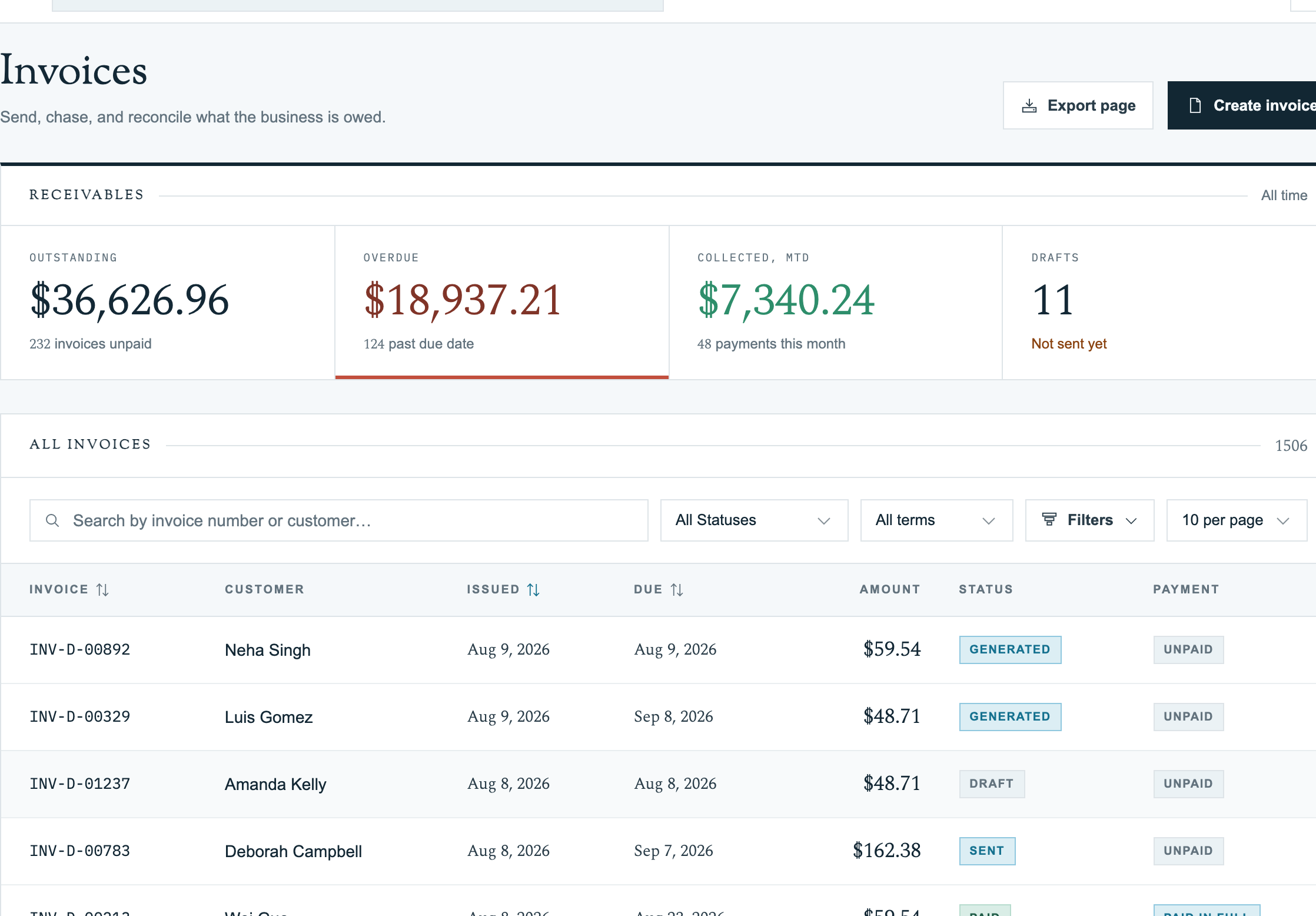
Billing in Pool Runs spans everything from the first estimate you hand to a customer to money landing in your bank account weeks later. How that happens depends on whether you keep your books in QuickBooks Online or use Pool Runs as your billing source of truth.
Pick Your Setup First
Before drilling into specific topics, pick the setup that matches your business:
| If you… | Read this guide |
|---|---|
| Already keep your books in QuickBooks Online | Pool Runs + QuickBooks |
| Don't use QuickBooks — Pool Runs is your billing source of truth | Pool Runs + Stripe |
| Not sure which fits | Choose Your Billing Setup |
The day-to-day flow looks the same either way (you draft invoices, send them, take payments). What changes is where the data ends up and how reconciliation works. The setup guides above walk through the full lifecycle from each angle.
The Billing Lifecycle (Both Setups)
For any single piece of work, money moves through Pool Runs in a predictable sequence:
Quote → Customer Approves → Work Order → Invoice → Payment → (QuickBooks, if connected)Not every job touches every step — recurring weekly service skips quotes; one-off ad-hoc invoices skip work orders — but the building blocks are the same:
| Step | What happens | Lives in |
|---|---|---|
| Quote | Office drafts an estimate, customer approves online with e-signature | Quotes |
| Work Order | Approved quote becomes a scoped job, scheduled, and worked | Work Orders |
| Invoice | Completed work order (or recurring billing run) becomes a billable invoice | Invoices |
| Payment | Customer pays via Stripe link, ACH, or check; payment is recorded against the invoice | Recording Payments |
| QuickBooks (optional) | Invoices and payments sync to QBO for accounting and tax | QuickBooks Integration |
In This Section
Setups
Two parallel guides walking through the full lifecycle for each operating mode — with QuickBooks, or Pool Runs alone.
Quotes
The estimate document — drafted in Pool Runs, sent to the customer, approved with an e-signature, and converted in one click to a deposit invoice or work order.
Invoices
The financial document the customer pays. Created manually, generated in bulk via the Invoice Generator, or spawned automatically from approved quotes and completed work orders.
Payments
How money comes in — Stripe online payments, autopay, refunds, payouts to your bank.
Collections
Manual payment entry (cash, check, Zelle, Venmo) and tools for past-due accounts.
QuickBooks Online Integration (optional)
The two-way sync that keeps Pool Runs and QBO in agreement when you keep your books in QuickBooks. Skip this section if you're not using QBO.
Common Billing Workflows
| Workflow | Where to start |
|---|---|
| Sending your first invoice | Creating Invoices Manually |
| Monthly bulk billing for recurring routes | Invoice Generator |
| Approved-quote-to-invoice flow | Converting a Quote |
| Setting up Stripe and autopay | Stripe Overview |
| Connecting QuickBooks Online | Setting Up QuickBooks |
| Past-due collections | Collections |
Related Sections
- Customer Management — Customer profiles, autopay enrollment, tax exemption flags.
- Work Orders — Completed work orders feed invoice line items.
- Scheduling & Routes — Completed route stops feed bulk billing.
- Settings — Tax zones, payment settings, business info.
- Troubleshooting — When billing or QBO sync goes sideways.