Payments
How money actually moves through Pool Runs — online card and ACH payments via Stripe, autopay, payouts to your bank, refunds, disputes, and the public payment page.
Payments
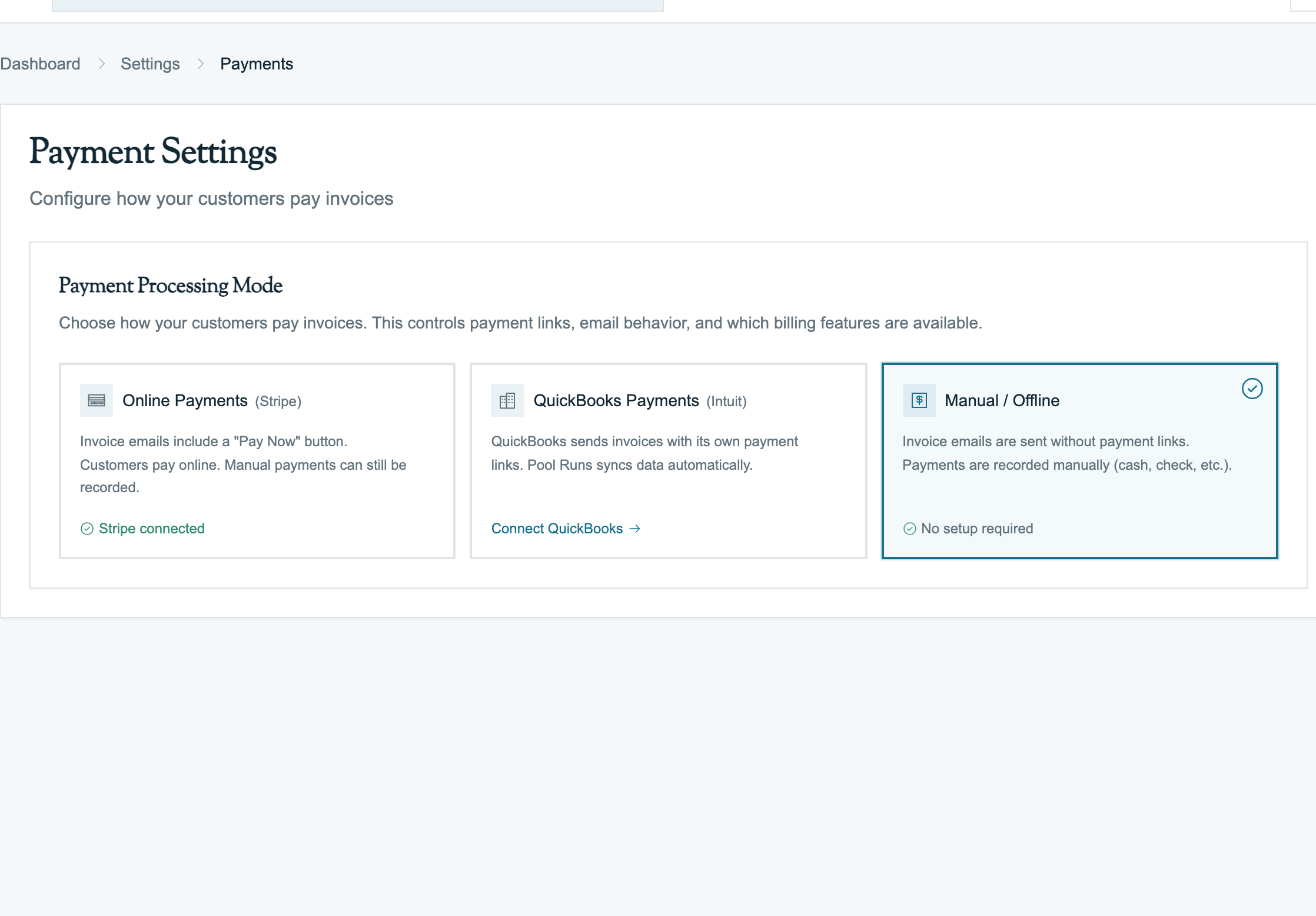
Invoices are how you ask for money. Payments are how you receive it. Pool Runs handles two parallel ways money comes in:
- Online through Stripe — cards (Visa, Mastercard, Amex, Discover), bank transfer (ACH), Apple Pay, Google Pay. Money lands in your bank in about 2 business days.
- Manual entry by your office — cash, check, Zelle, Venmo, wire. The customer paid you outside the system; you log it so the books stay clean. (See Collections.)
This section is about the Stripe side. For the manual side, see Collections.
Reading order: This section documents how payments work as a Pool Runs feature. For where payments end up after recording and how reconciliation works in your business, read your setup guide instead — Pool Runs + QuickBooks or Pool Runs + Stripe.
In This Section
Concepts & Setup
- Payments Overview — How money moves end-to-end, where Stripe fits, and when to use Stripe vs. record a payment manually.
- Stripe Overview — What Stripe does for Pool Runs, how the two stay in sync, the Stripe setup flow, and the customer payment portal.
Operations
- Accepting Online Payments — Card payments (supported brands, security checks, saved cards) and ACH bank debit (verification, settlement timing, bounces).
- Fees & Payouts — What Stripe charges, surcharge laws by state, when funds hit your bank, and how to reconcile against your bank deposits.
- Handling Payment Issues — Failed payments (card declines, ACH bounces, autopay retry logic), refunds, and disputes.
Pool Runs does not have an in-app dispute/chargeback UI — disputes are managed entirely in Stripe Dashboard. If you lose a dispute, manually click Refund on the original payment in Pool Runs to keep the books in sync.
Stripe vs Manual: When to Use Each
| Situation | Use Stripe | Record Manually |
|---|---|---|
| Customer pays online via the invoice link | ✅ Automatic | — |
| Customer signs up for autopay | ✅ Automatic | — |
| Customer mails a check | — | ✅ Cash/Check |
| Customer hands you cash on-site | — | ✅ Cash |
| Customer Zelles you | — | ✅ Other (with reference) |
| Customer pays from a credit balance you owe them | — | ✅ Applied Credit |
| Customer ACH'd via your bank's wire transfer | — | ✅ ACH or Wire |
| Customer's card you keyed manually into a Square reader | — | ✅ Credit Card (offline) |
The reasoning is simple: if the money landed in your Stripe account, Pool Runs already knows about it — Stripe tells us automatically. If it landed in your bank some other way, you need to tell Pool Runs.
Where to Start
- New to payments? Read Payments Overview, then Stripe Overview.
- Setting up Stripe? Jump to Stripe Overview: Connecting Stripe.
- Customer never received their refund? See Handling Payment Issues: Refunds.
- Card kept declining? See Handling Payment Issues: Failed Payments.
- Curious about the fee? See Fees & Payouts.
Related Sections
- Recording Payments — Manual entry side (cash, check, ACH, Zelle, Venmo).
- Collections — Dunning, write-offs, A/R aging, and customer payment history.
- Pool Runs + QuickBooks — Lifecycle when QBO is connected.
- Pool Runs + Stripe — Lifecycle when Pool Runs is the books.
- Invoices Overview — Including how the public payment link is generated and shared.
- Customer Profiles — Per-customer autopay enrollment status and payment method on file.
Recording Payments
How payments work in Pool Runs — manual entry (cash, check, ACH), online Stripe payments, partial payments, and the payment status lifecycle.
Payments Overview
How payments work in Pool Runs — when payments record themselves vs. when you record them by hand, the lifecycle from "Pay Now" click to bank deposit, and what's automatic vs. what your office handles.