Customer Management
Build and maintain your customer records in Pool Runs — directory, profiles, properties, bodies of water, and imports from CSV or QuickBooks Online.
Customer Management
Your customer list is the backbone of your pool service business. Every route stop, work order, invoice, and chemical reading in Pool Runs traces back to a customer record. This section covers everything from finding a customer in the directory to bulk-importing your existing book of business from a spreadsheet.
In This Section
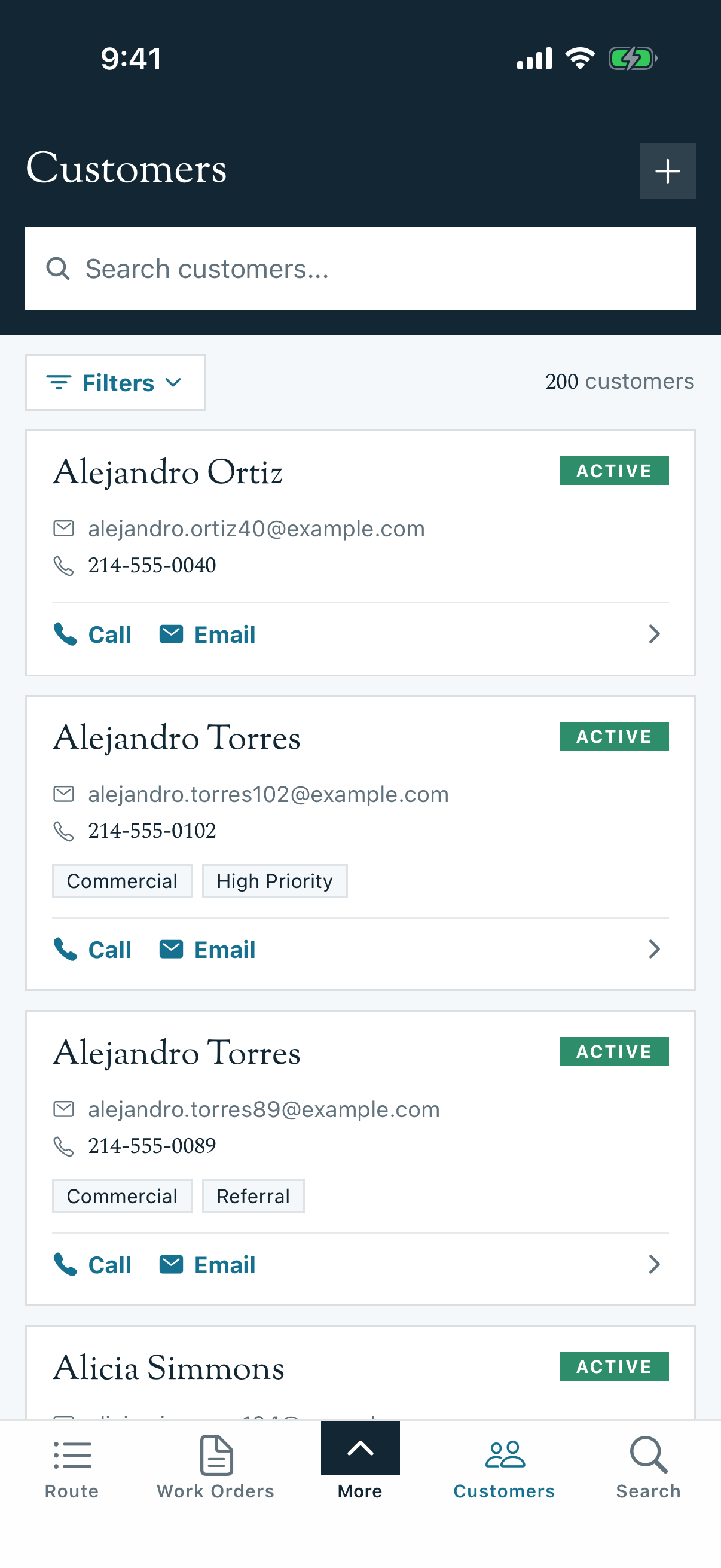
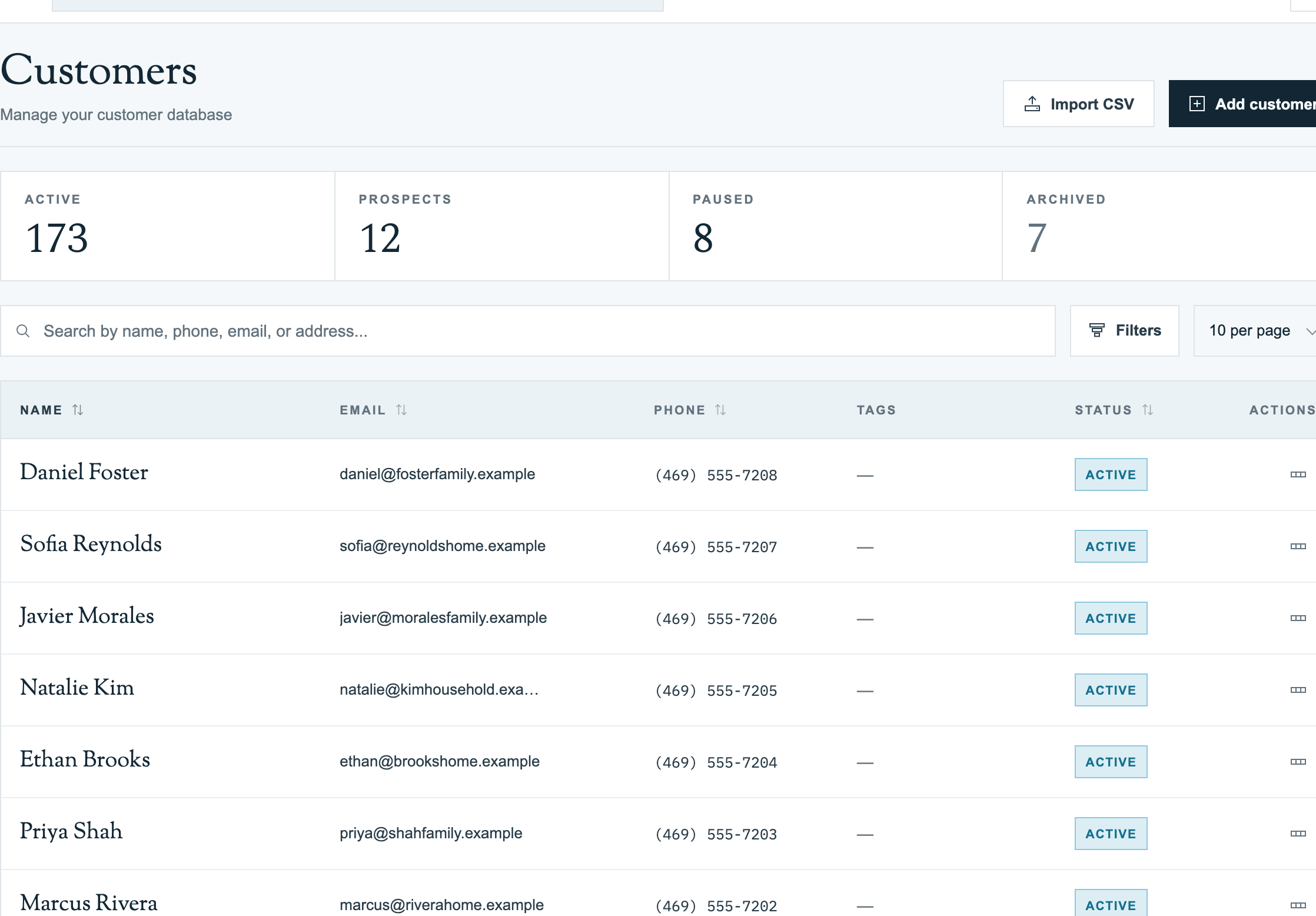
- Customer Directory — Browse, search, sort, and filter your customer list. Find any customer in seconds, even with hundreds of accounts.
- Add, Edit, or Delete a Customer (Web) — Create, edit, or archive a customer record from the web admin.
- Add, Edit, Archive, or Reactivate a Customer (Mobile App) — Manage the same lifecycle from the mobile app.
- Customer Profiles — Understand the customer detail page: contact info, billing, service history, statuses (Active/Prospect/Paused/Archived), properties, invoices, and emails.
- Importing Customers from CSV — Bring your existing customer list over from another system using the CSV import wizard.
- Importing Customers from QuickBooks Online — Pull your QBO customer book in through the QuickBooks integration, with a live two-way link kept in sync going forward.
- Properties — Service locations on a customer record: the customer → property → body-of-water hierarchy, adding/editing properties, access info, rates, and patterns for HOAs, snowbirds, and rental operators.
- Bodies of Water — Pools, spas, fountains, and water features: the data model, adding/editing, equipment, checklists, and pool-spa combos.
Where Customers Connect
In Pool Runs, customers are linked to:
| Connected To | What it means |
|---|---|
| Properties | One customer can own multiple service addresses (e.g., a home plus a vacation rental). |
| Bodies of Water | Each property has one or more pools/spas, attached to the customer record. |
| Routes | Active customers appear as stops on weekly, bi-weekly, or monthly routes. |
| Work Orders | Repairs, equipment installs, and ad-hoc visits are filed against a customer. |
| Invoices & Billing | Statements, autopay, and payment history live on the customer profile. |
| Communications | Email and SMS history is attached so you can see every touchpoint. (SMS history and notifications are feature-flagged, so they are not visible on every account.) |
Tip: If you are brand new to Pool Runs, start with Adding Your First Customer in Getting Started. It walks you through creating one customer and setting up their first route in under 10 minutes.
Quick Reference: Customer Statuses
| Status | When to use | Effect |
|---|---|---|
| Active | Currently on a recurring service plan | Appears on routes, included in billing runs |
| Prospect | Quoted but not yet servicing | Excluded from routes, can still receive estimates |
| Paused | Seasonal customer, vacation hold, or temporary skip | Hidden from routes; preserves all history |
| Archived | Cancelled customer | Soft-deleted; data retained for reporting |
See Customer Profiles for the lifecycle details and how to transition between statuses.
Related Sections
- Scheduling & Routes — Build routes from your active customers
- Work Orders — Log repairs and one-time jobs against a customer
- Billing — Generate invoices and collect payments from customers