Welcome to Pool Runs Docs
Find your way around the Pool Runs documentation — onboarding, day-to-day workflows, billing, and integrations.
Welcome to Pool Runs Docs
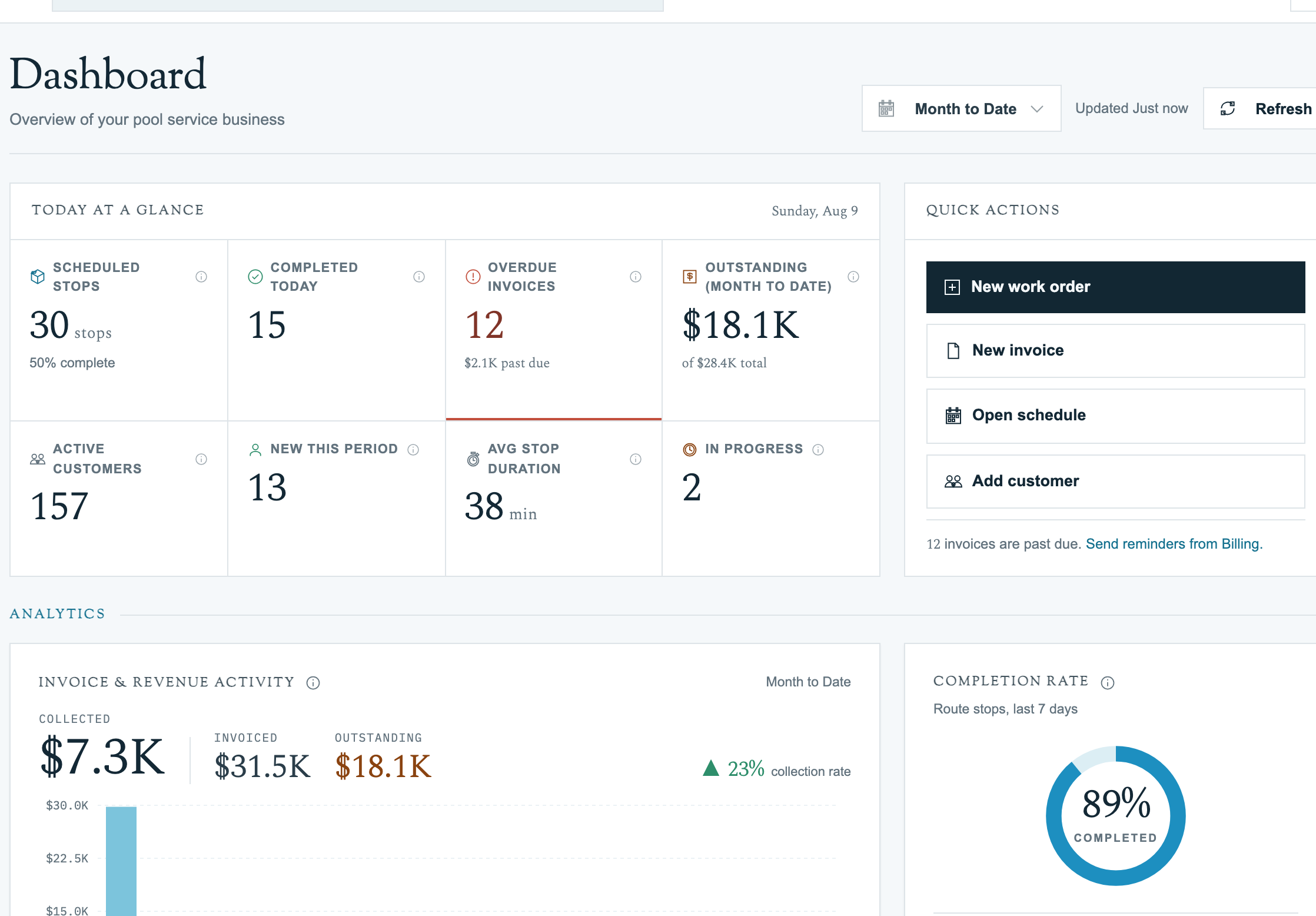
This documentation walks pool service owners and office staff through Pool Runs, end to end. Use the sidebar to jump to a section, or start with the suggested paths below.
Screenshots and walkthrough videos use the current Pool Runs web and iOS interfaces. See Documentation and Feedback if a guide does not match your account.
Suggested Starting Points
- New to Pool Runs? Start with Getting Started → Welcome and follow up with Your First Customer and Route.
- Migrating from another system? Jump to Importing Customers from CSV or Importing Customers from QuickBooks Online.
- Setting up billing? Walk through Setting Up QuickBooks or Stripe Setup.
- Looking for a specific feature? Use the search bar at the top, or browse the sidebar — sections are organized by the order you typically use them.
The Four Core Sections
| Section | What's in here |
|---|---|
| Customer Management | Customer directory, profiles, properties, bodies of water, and imports. |
| Scheduling & Routes | Route building, assignments, recurring schedules, route generation, and skip handling. |
| Work Orders | One-off jobs from creation through invoice. |
| Billing | Quotes, invoices, payments, and the QuickBooks Online integration. |
Need Help?
Search the docs (top right), browse the Troubleshooting section, or contact support from inside Pool Runs.