Work Orders
Work Orders
Track one-off jobs like repairs, filter cleans, and green pool recoveries from request to invoice, on web and mobile.
Work Orders
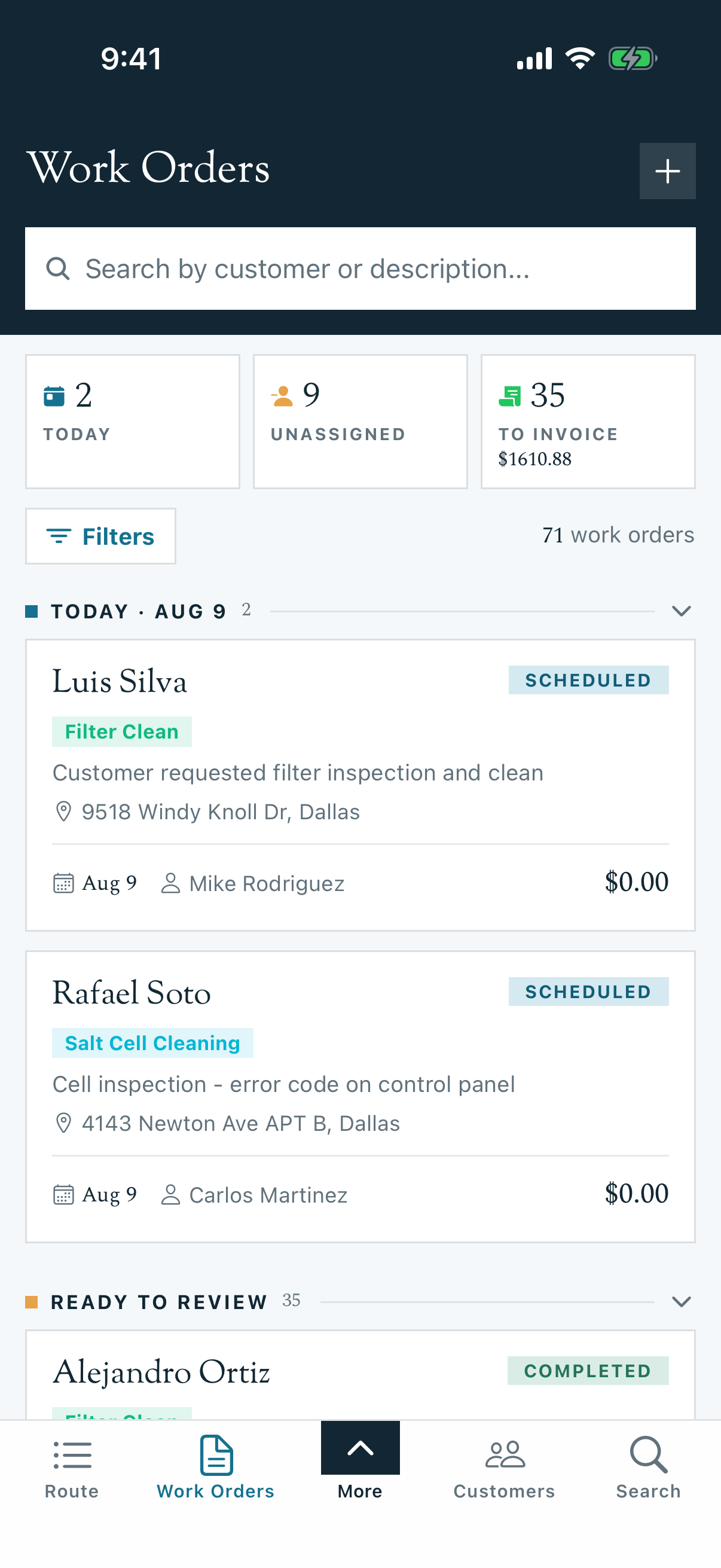
A work order is the record for a single, scoped job: "Replace the pump motor at 1234 Oak St," "Acid wash the spa next Tuesday." Routes handle the predictable weekly visits; work orders handle everything else that has a scope, a price, and an end state.
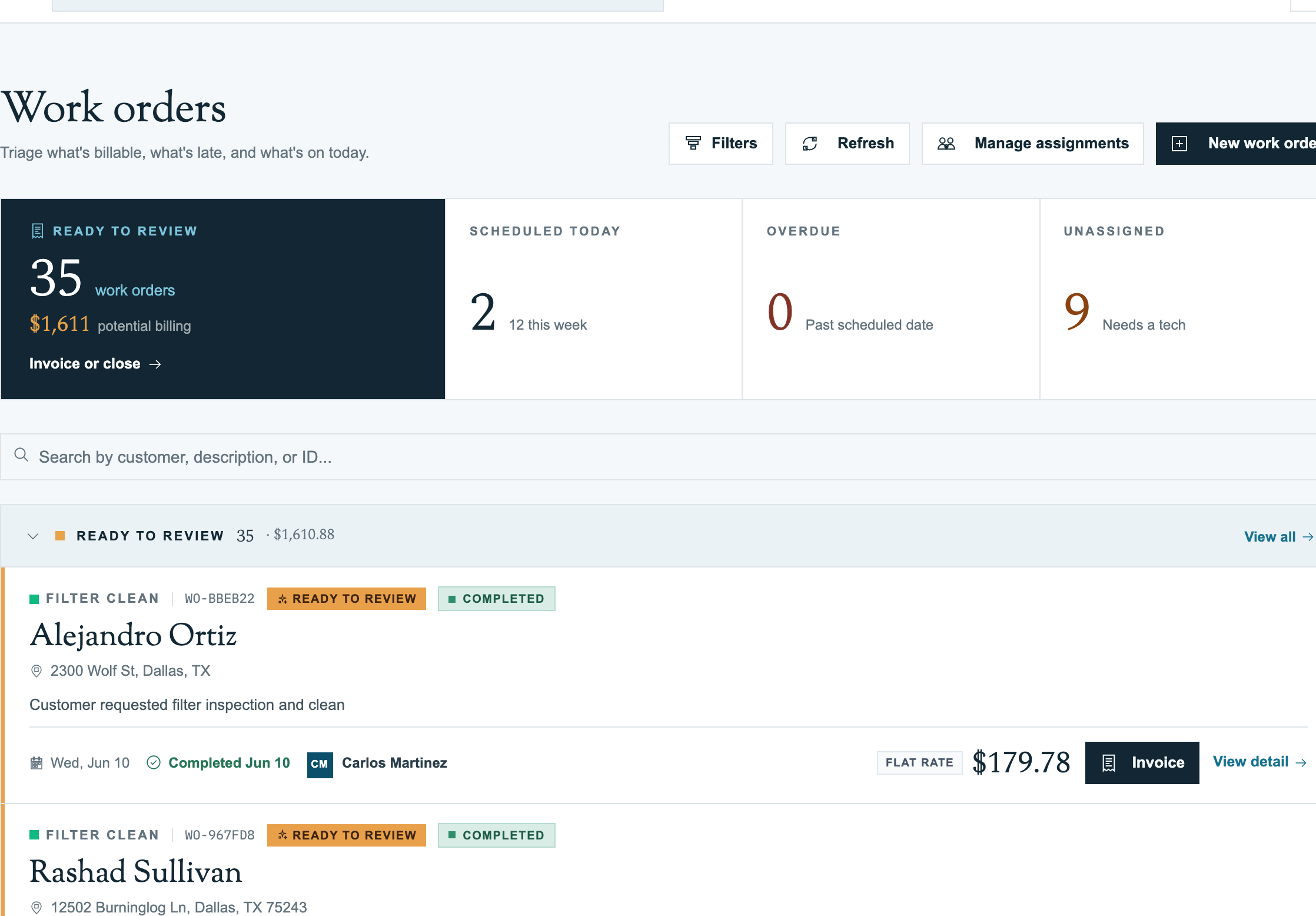
Web (office)
- Work Orders Overview: what a work order is, the status lifecycle, and how it relates to route stops.
- Creating Work Orders (Web): the create form, work order types, and template defaults.
- Managing Work Orders (Web): the dashboard buckets, filters, status changes, and assignments.
- Work Order Types: reusable templates with default price, checklist, and parts.
- Work Order to Invoice: billing a completed job, or closing it without an invoice.
Mobile app (technicians)
- Work Orders on Mobile: the Work Orders tab and the work order detail screen.
- Running a Work Order (Mobile): start service, complete the checklist, log parts, finish the job.
- Creating Work Orders (Mobile): the 5-step New Work Order wizard.
Work order vs route stop
| Recurring route stop | Work order | |
|---|---|---|
| What it is | One visit generated by a recurring schedule | A one-off job with its own scope and price |
| Example | "Clean the Smith pool every Tuesday" | "Replace the Smith pump seal on July 10" |
| Ends when | Never (recurs) | Invoiced, closed, or cancelled |
When you schedule a work order and assign a tech, Pool Runs automatically adds a stop to that tech's route for the day. The work order holds the scope, price, and parts; the route stop is how the job shows up on the tech's phone.
Related sections
- Scheduling & Routes: how work orders surface as route stops
- Invoices: completed work orders feed billing
- Checklists: task lists attached through work order types