Getting Started
Welcome to Pool Runs
A quick orientation to Pool Runs — what it does, how the docs are organized, and where to start.
Welcome to Pool Runs
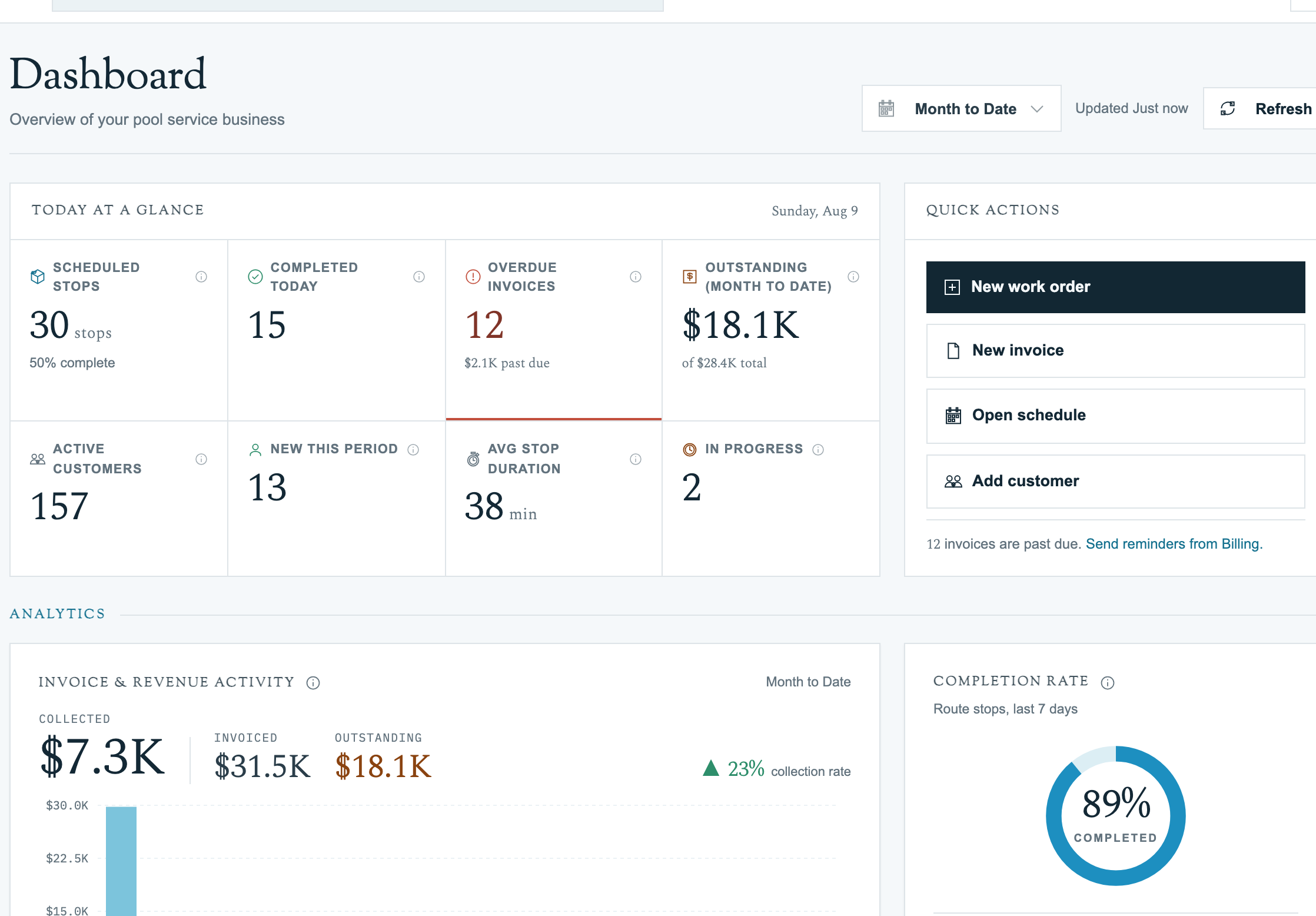
Pool Runs is field service software built specifically for pool service businesses — residential routes, commercial accounts, repair work orders, chemical dosing, and the QuickBooks-friendly billing on the back end. If you run a pool service company with a few techs and a few hundred customers (or a few thousand), this is the system that ties it all together.
What Pool Runs Does
- Customers, properties, and bodies of water — A clean data model that separates who pays the bill, the address you drive to, and the actual pool you service.
- Routes & route assignments — Recurring weekly, bi-weekly, tri-weekly, or monthly schedules per technician, per day.
- Route generation & optimization — Pool Runs generates concrete daily stops from your recurring rules, and Google-Routes-powered optimization keeps drive time low.
- Work orders — One-off jobs (repairs, installs, acid washes) tracked end-to-end from quote to invoice.
- Billing — Manual invoices, bulk Invoice Generator runs, recurring monthly billing, autopay via Stripe, and a tight QuickBooks Online integration.
- Field tech mobile app — What your techs use to log readings, dosages, photos, and parts on each stop.
Where to Start
- New here and want to see how the pieces fit? Walk through First Customer, First Route.
- Already onboarded and looking for a specific guide? Jump to Customer Management or Scheduling & Routes.
How the Docs Are Organized
| Section | What it covers |
|---|---|
| Customer Management | Customers, properties, bodies of water, and CSV imports. |
| Scheduling & Routes | Building, generating, and optimizing routes. |
| Work Orders | One-off repair, install, and ad-hoc service tracking. |
| Billing | Quotes, invoices, payments, and QuickBooks. |
| Reference | Glossary, status tables, and at-a-glance cheat sheets. |
| Troubleshooting | Common issues and fixes. |