Settings
Payment Settings
Configure Stripe, payment method preferences, autopay defaults, and processing fee handling in Pool Runs.
Payment Settings
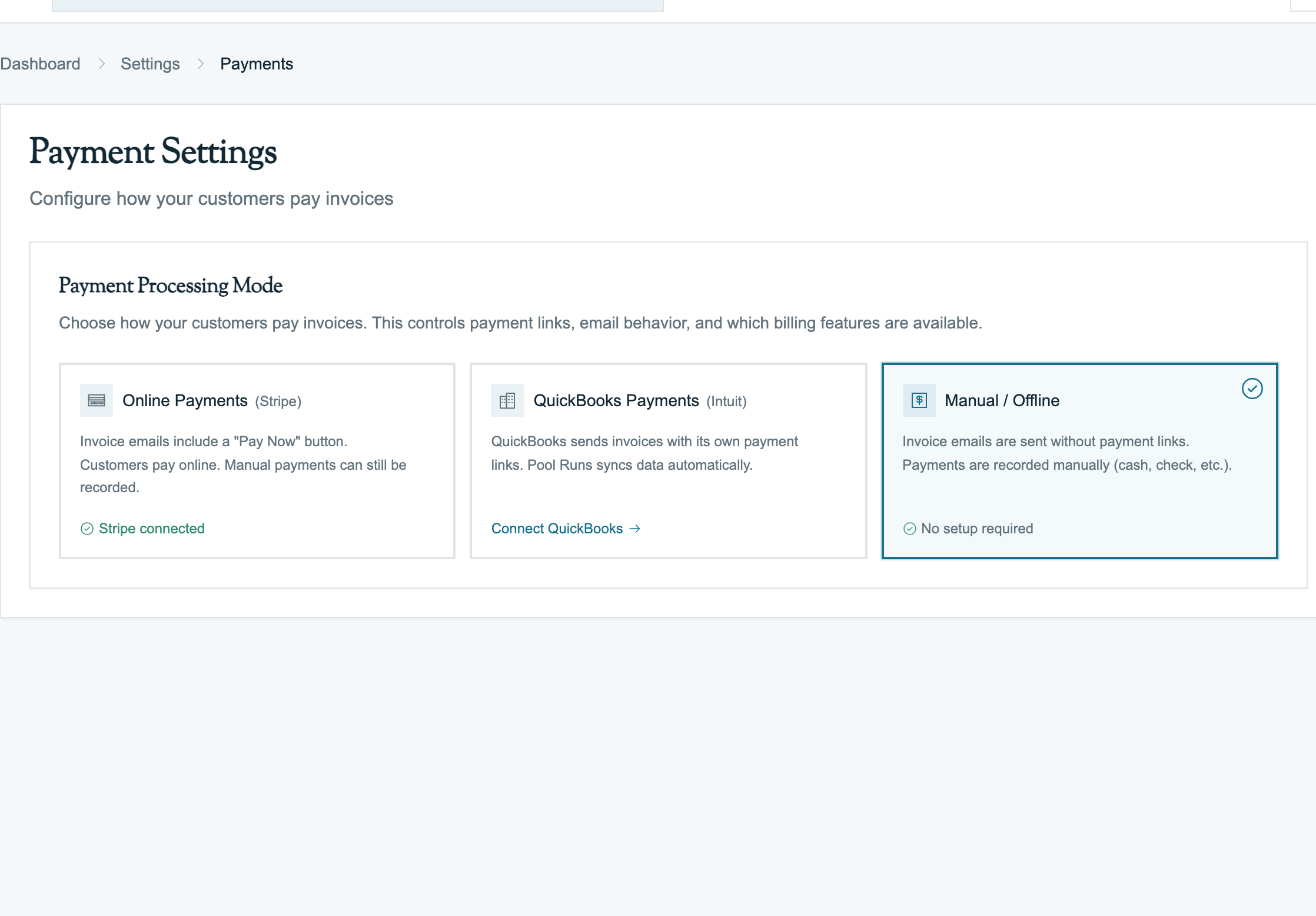
Settings → Payment Settings is where you connect Stripe (or QuickBooks Payments), choose which payment methods customers can use, set autopay defaults, and decide how processing fees are handled.
Available Settings
- Stripe connection — Connecting and disconnecting your Stripe account, including switching between test and live mode.
- Accepted payment methods — Toggling card, ACH, and digital wallet acceptance per organization.
- Autopay defaults — Whether new customers are enrolled in autopay by default and the default payment method on file.
- Processing fee handling — Pass-through service fees vs absorbing fees on the org P&L.
- QuickBooks Payments — Optional alternative to Stripe for orgs that prefer Intuit's processor.
Where This Setting Surfaces
- On customer profiles when enrolling autopay — see Recording Payments.
- On the public payment link emailed with invoices — see Invoices Overview: Sending Invoices.
- In the QuickBooks integration's payment sync flow — see QuickBooks Overview and What Syncs to QuickBooks: Payment Sync.
Related
Business Settings
Configure your organization's name, logo, address, time zone, and customer-facing branding in Pool Runs.
Tax Zones & Tax Management
How sales tax is configured and calculated on invoices and quotes in Pool Runs — flat-rate orgs, tax zones with ZIP-based resolution, line-item taxability, customer tax exemption, and per-line overrides.