Settings
Business Settings
Configure your organization's name, logo, address, time zone, and customer-facing branding in Pool Runs.
Business Settings
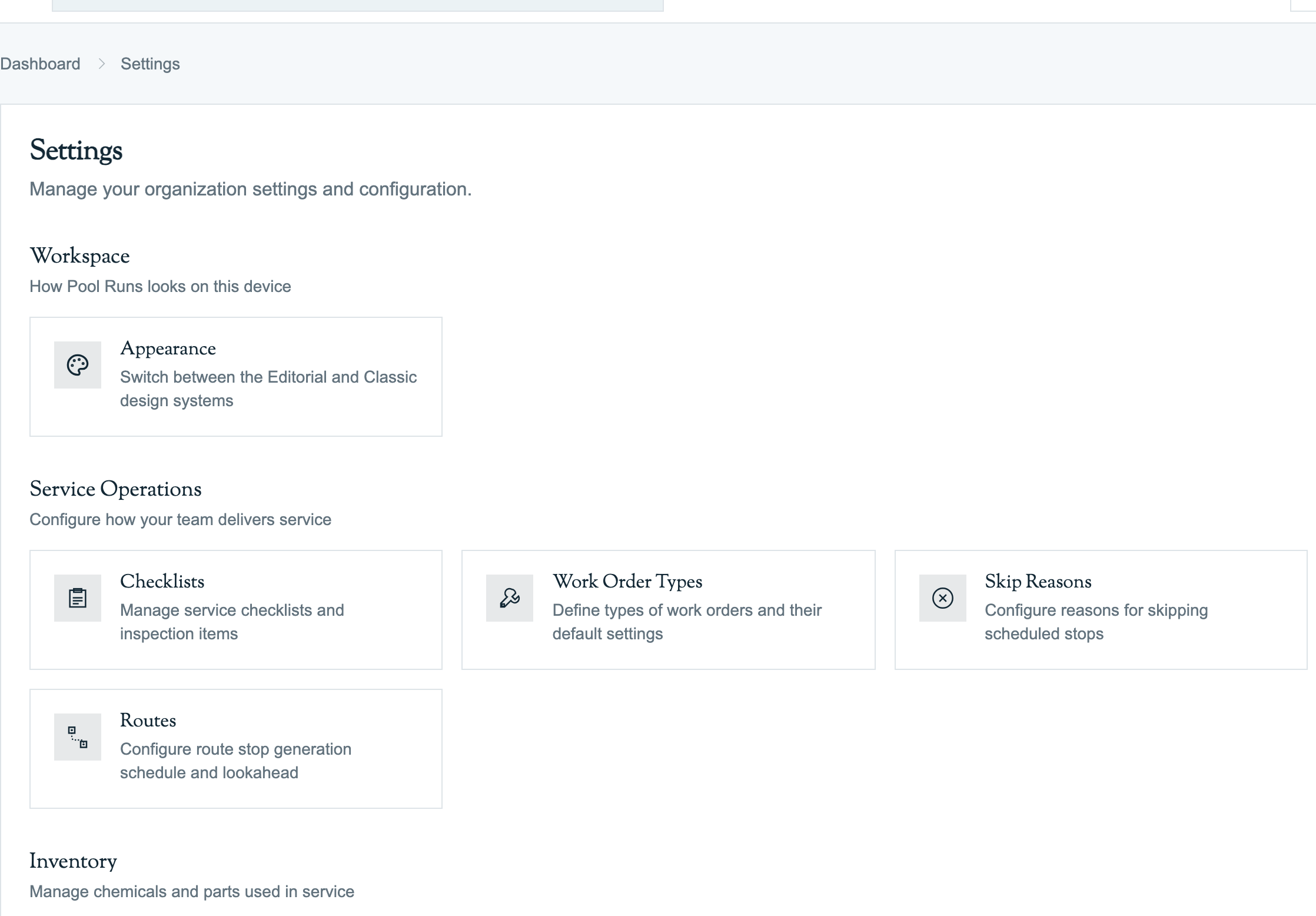
Settings → Business Settings holds the core information about your company that appears on customer-facing emails, invoices, quotes, and the customer payment portal — your business name, address, phone, logo, and time zone.
Available Settings
- Organization profile — Legal name, DBA, EIN (for QBO matching), and physical address.
- Branding — Logo upload, primary color, and email signature used on customer-facing communications.
- Contact information — Customer-visible phone number, support email, and website URL.
- Time zone & locale — The org-wide time zone that drives route generation, scheduling, and report dates.
- Default terms & messages — The default Net terms (15 / 30) and the default message that appears on quotes and invoices.
Where This Setting Surfaces
- At the top of every invoice and quote PDF.
- In the public customer payment portal header.
- In every automated customer email, including invoices, quotes, and payment receipts.
- On QuickBooks-synced records via the org name.
Related
- Settings index
- Invoices Overview — including sending invoices
- Sending Quotes
- QuickBooks Overview