Getting Started
Getting Started
New to Pool Runs? Start here for a fast path from sign-up to your first scheduled route.
Getting Started
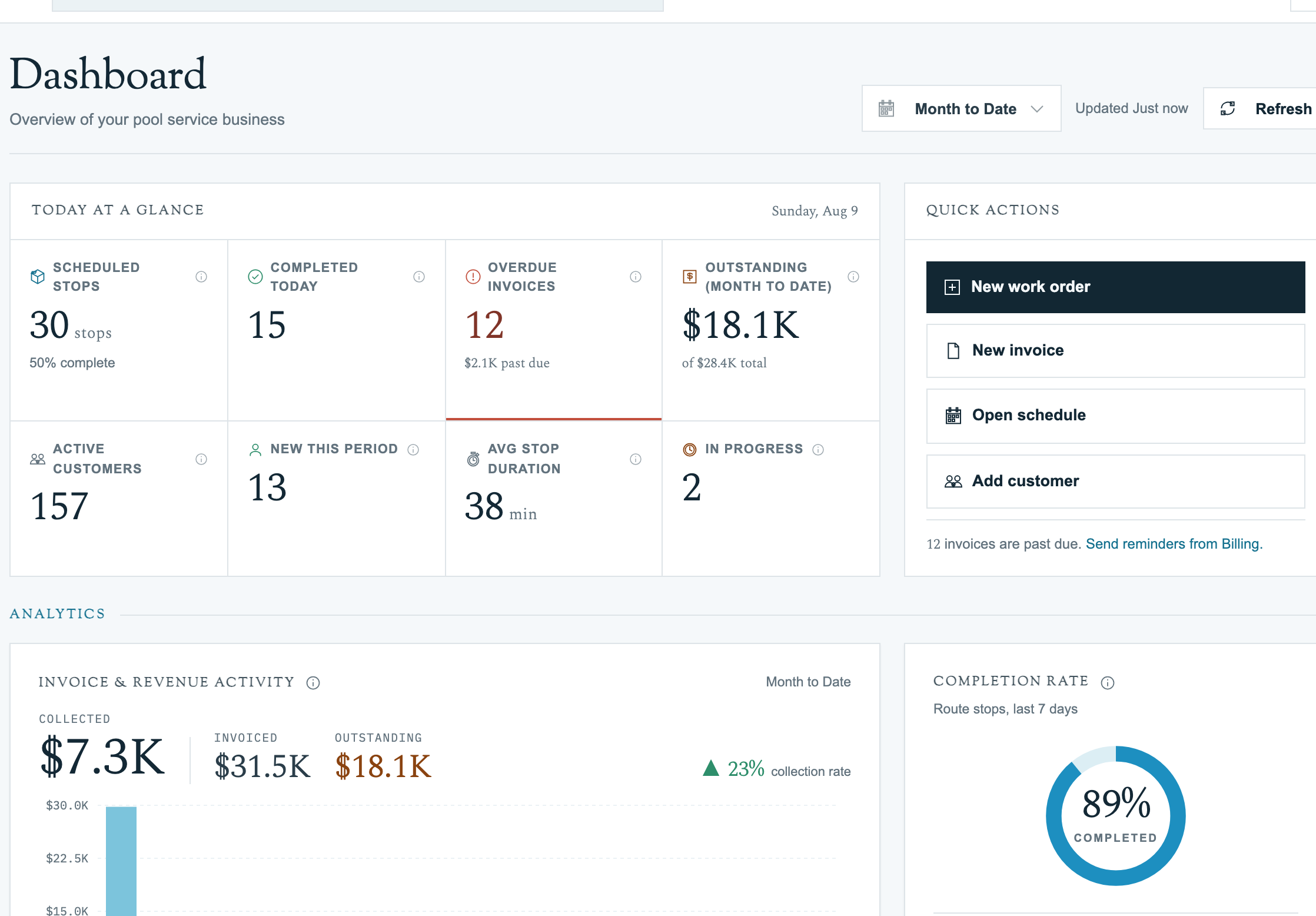
Welcome to Pool Runs. This section is the fastest path from "I just signed up" to "I have a tech servicing a real customer on a real route." If you have been running another tool (Skimmer, Service Autopilot, spreadsheets) you will recognize most of the concepts — what is different is how Pool Runs links customers, properties, and bodies of water as separate things, and how routes are templates that generate concrete daily stops.
What This Section Covers
- Welcome — A brief intro to Pool Runs and how the docs are organized.
- First Customer, First Route — A 10-minute tutorial: add a customer, a property, a body of water, then create and assign a route.
- Importing Existing Data — Bringing a customer list over from a CSV or another tool.
- Inviting Your Team — Adding office staff and field techs with the right roles.
- Going Live — A pre-flight checklist for switching from your old system to Pool Runs.
Recommended Starting Path
- Read Welcome to orient yourself.
- Walk through First Customer, First Route with a real customer (or a test record). It connects every core concept end-to-end.
- Branch into the section relevant to your goal:
- Building your customer book: Customer Management
- Setting up the weekly schedule: Scheduling & Routes
- Billing and QuickBooks: Billing